# General Options
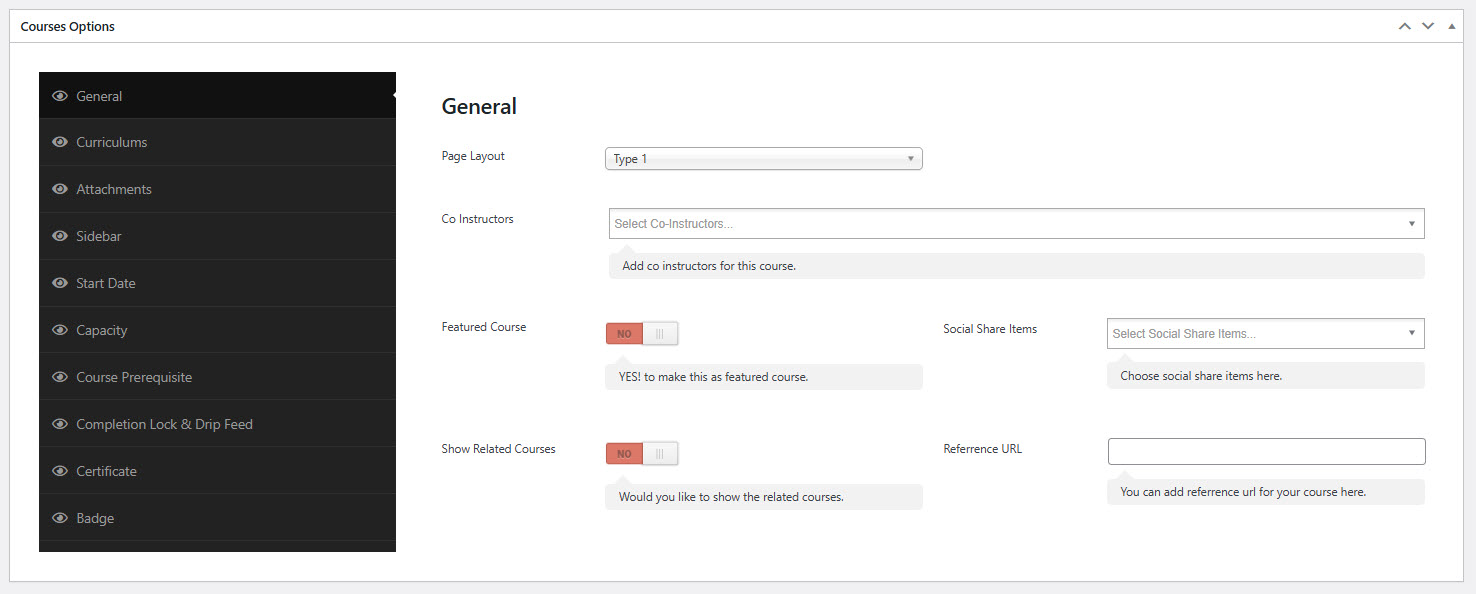
This section allows you to define the general configuration settings for an individual course. Each setting controls visual presentation, course accessibility, and social visibility.
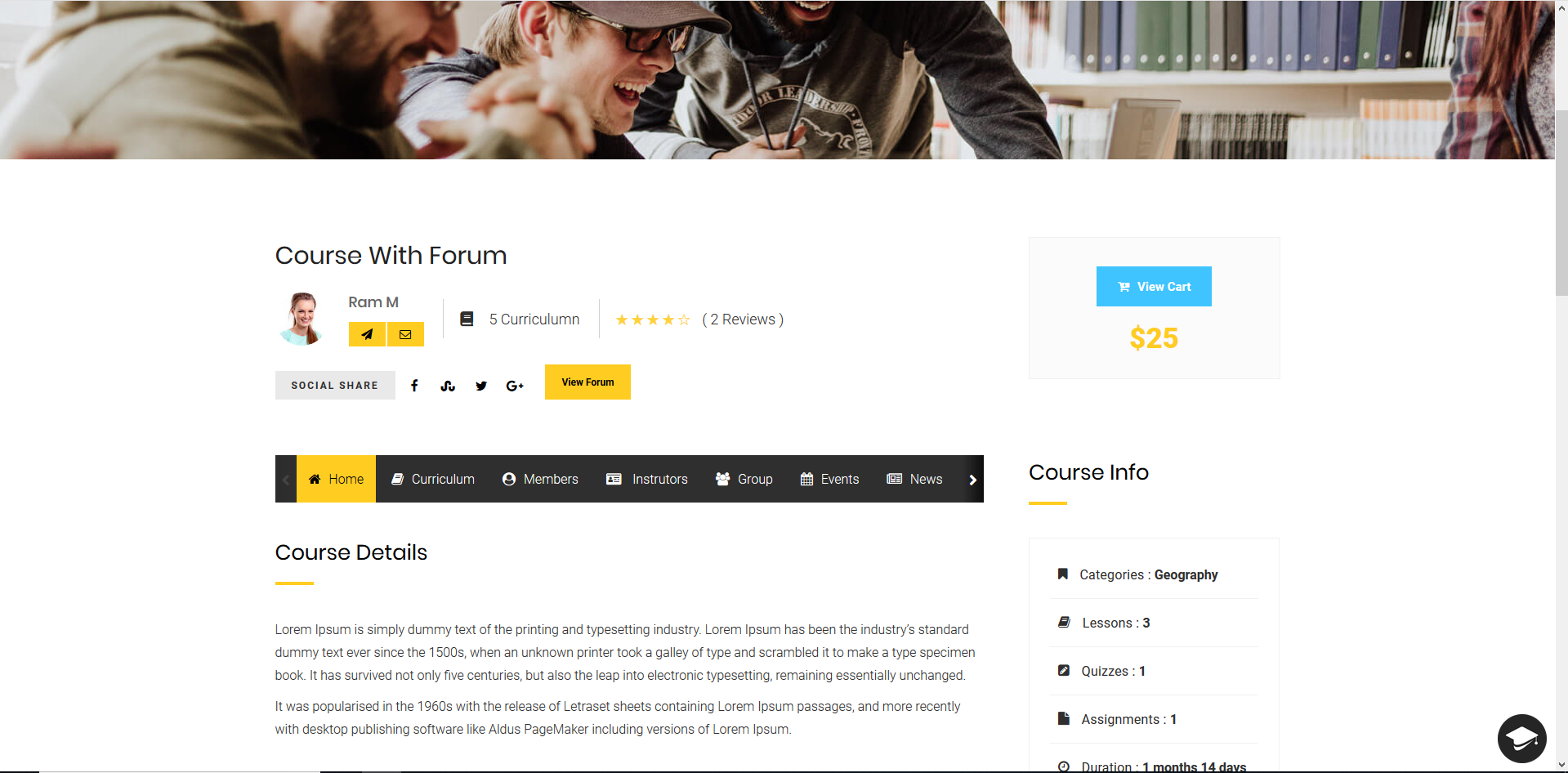
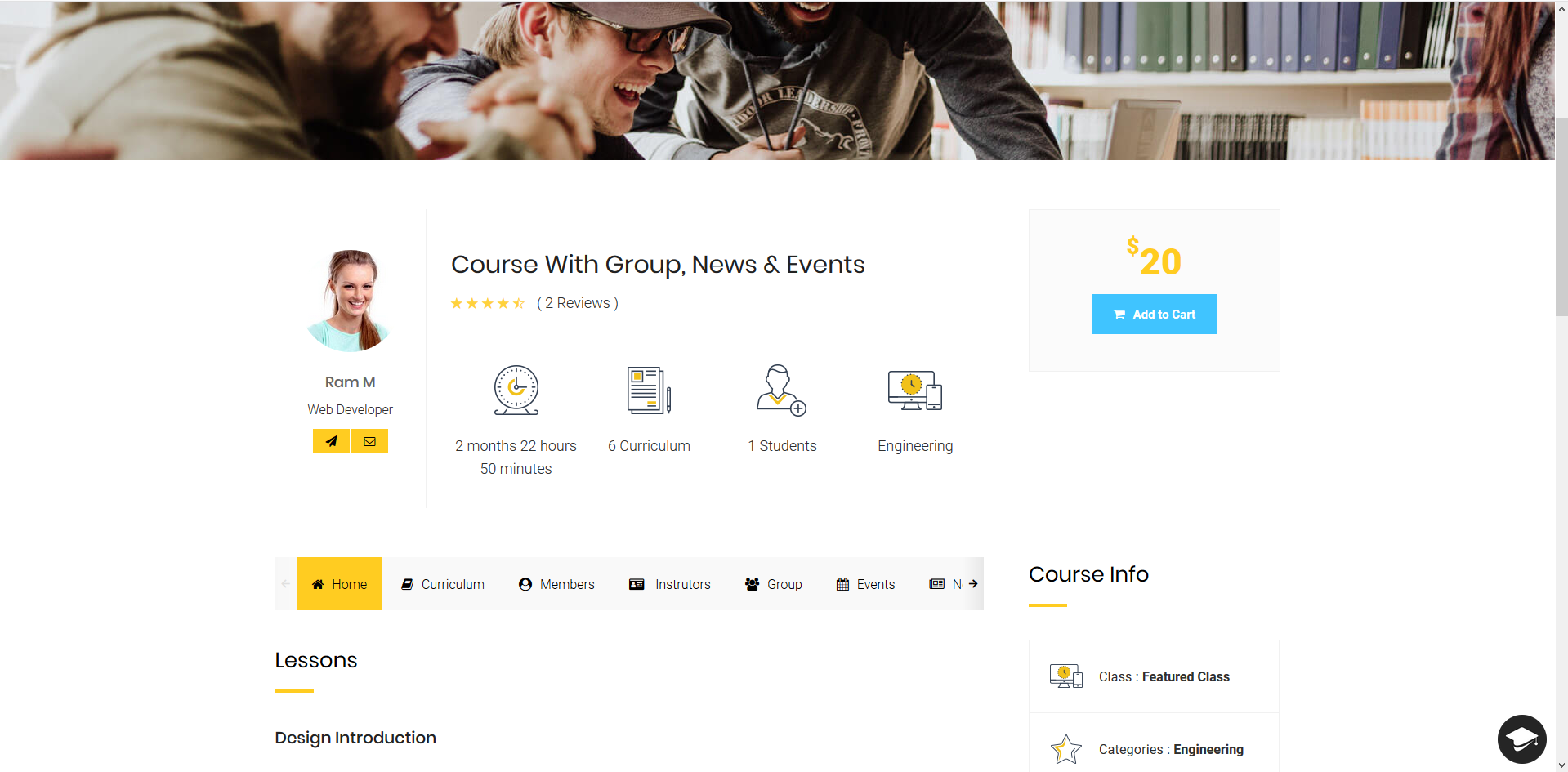
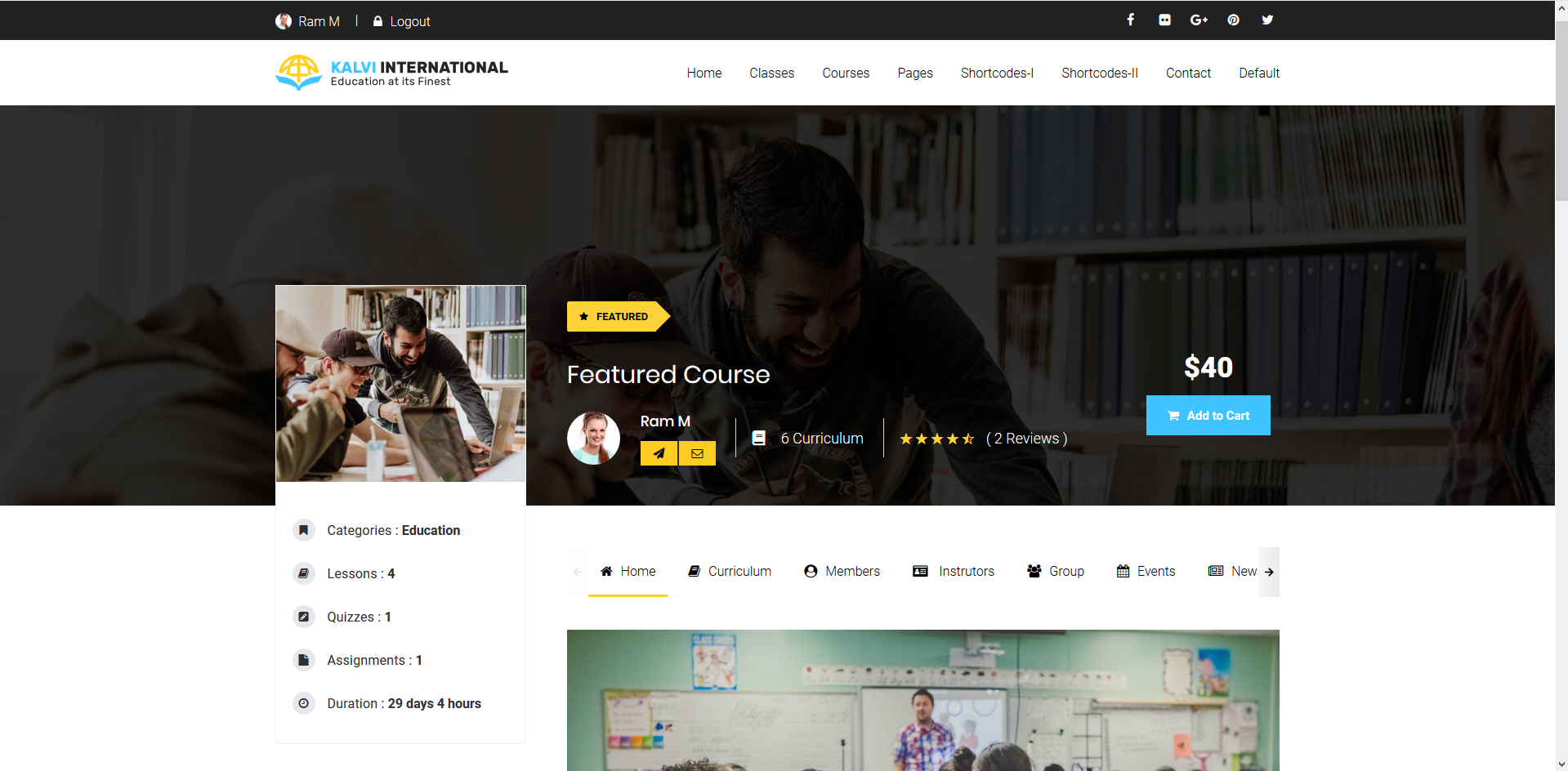
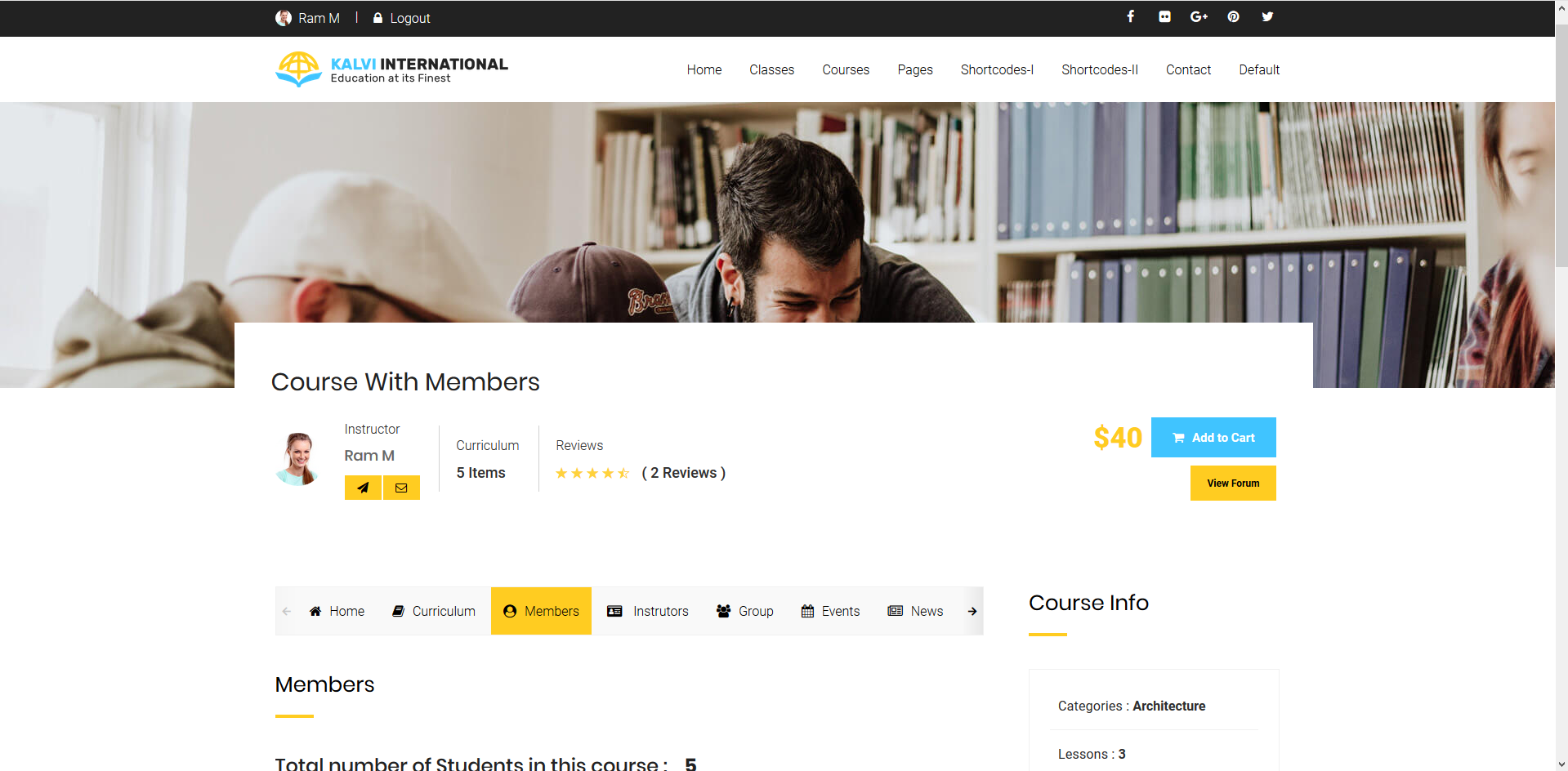
**Page Layout :** Select the page layout style for this course from the available layout types: Type 1, Type 2, Type 3, Type 4 and Type 5
> Each layout defines how content, sidebars, and course details are displayed on the frontend course page.
**Co-Instructors :** Use this dropdown to select additional instructors for this course.\
These instructors will share the same course responsibilities, such as content updates, quiz management, and student interactions.
> **Note:** Only registered users with Instructor roles will appear in the dropdown.
***
**Featured Course :** Toggle this option to **YES** to mark this course as a **Featured Course**.\
Featured courses may appear in special sections or sliders throughout the site (depending on theme setup).
**Social Share Items :** Select the desired **social media platforms** for sharing this course.\
Examples include: Facebook, Twitter, LinkedIn, WhatsApp, etc.,
These icons will be displayed on the course page for visitors to share with their networks.
***
**Show Related Courses :** Enable this setting to display **related courses** automatically on this course's detail page.
> Courses are matched based on category, tags, or custom logic defined in the LMS theme.
**Reference URL :** Use this field to add an external or internal **reference URL** related to the course content.\
This can point to: External reading materials, Certification bodies , Partner institution pages
> The URL will be displayed to students as a reference link.